
DXF
The 2D Cut Line
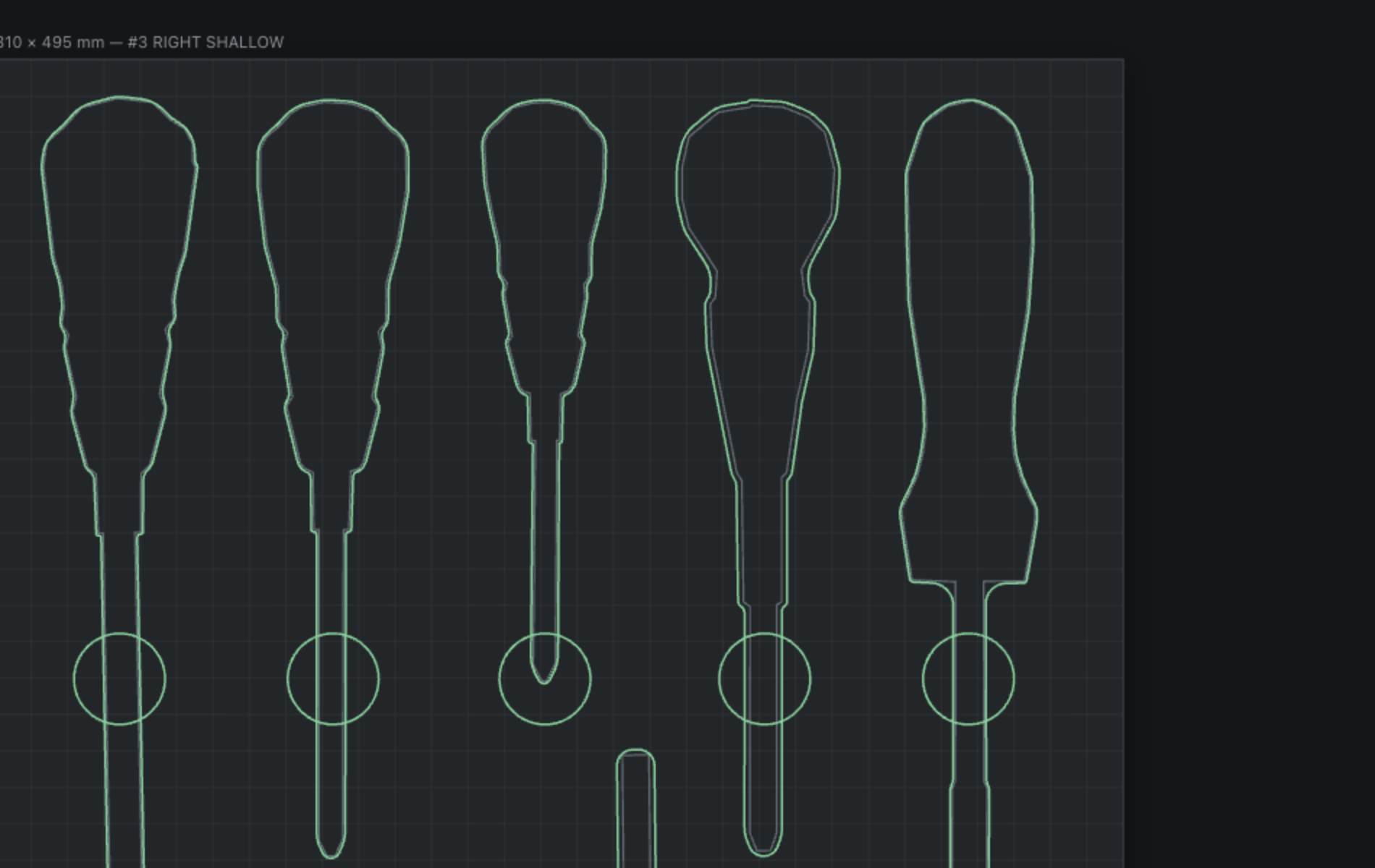
Kerf-offset, filleted contours as closed polylines — no self-intersections, no stray segments, no cleanup. Drops straight into your CAM.
Shadow Forge traces every tool from a single photo, kerf-corrects the outline, nests it into your drawer, and exports DXF, STL and a shop-ready PDF. Minutes, not weekends.
No credit card. No install. Your geometry never leaves the browser.
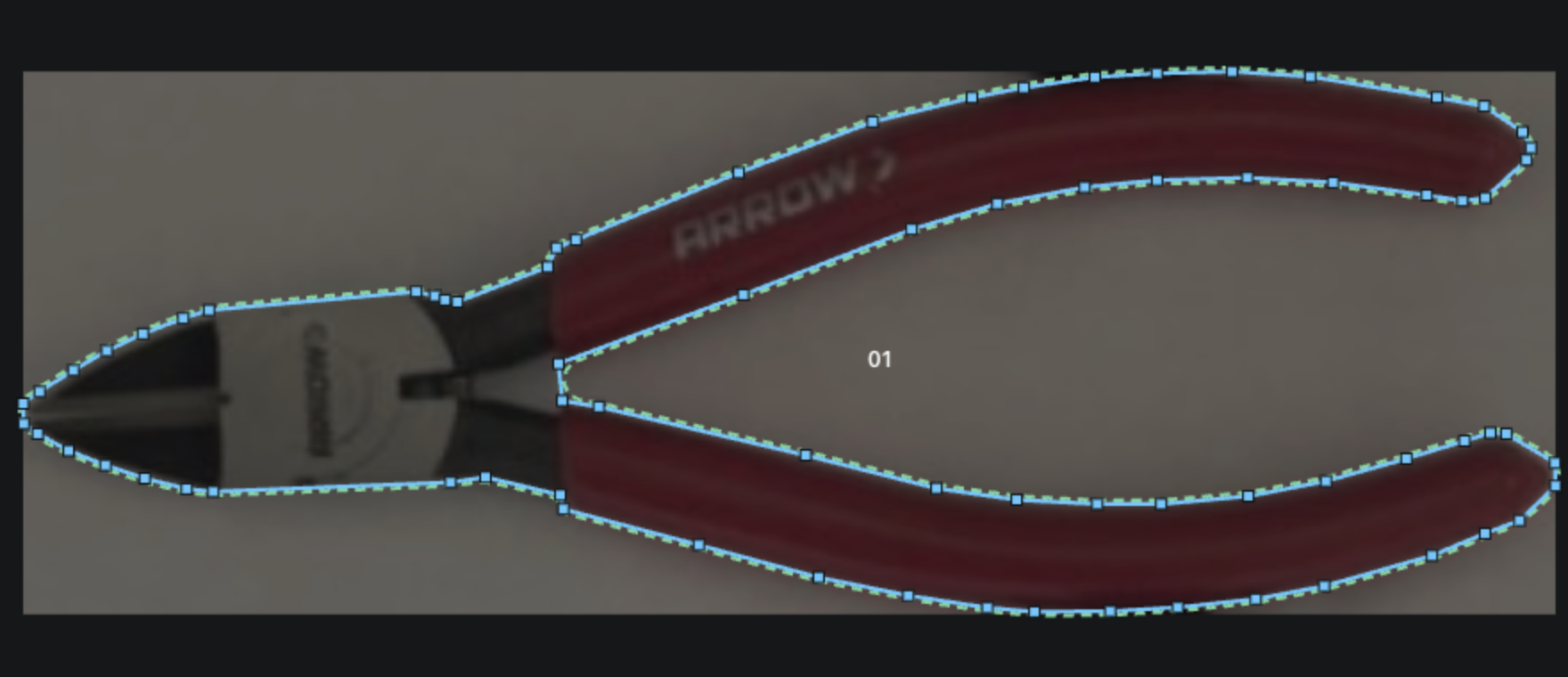








If you can lay tools on a sheet of paper and take a photo, you can create a Shadow Forge tool board.
Lay your tools on a plain sheet of paper — Letter, A4, Legal, Tabloid, or a custom size you set. No special background to buy or print; the paper's known size is what gives us the true scale.
Photograph the layout with your phone and it stores to the queue. Shadow Forge identifies the corners, flattens the perspective and locks in real-world scale — no calibration, no calipers.
Each tool is separated from the background and traced to a clean vector outline. Nudge a point if you want, or create a manual trace if necessary. Add the offset and smooth the cutline to perfection.
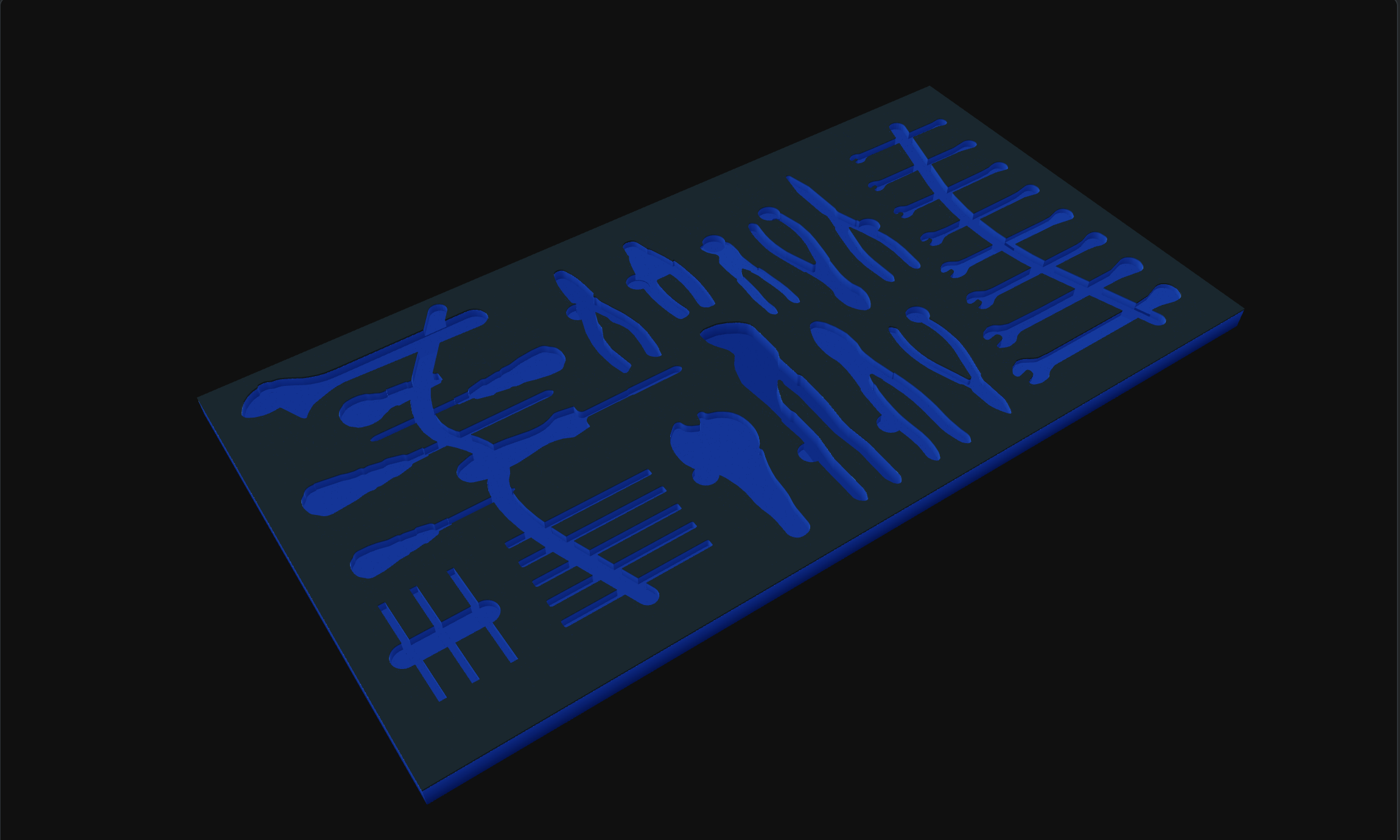
Arrange, rotate, & align tools into your drawer, select the foam and generate the 3D Render for a realistic view of the finished drawer with the tools. Then simply export the DXF, STL and PDF.
Three production artifacts from one trace — not a picture of a tray, but the geometry that cuts it.
Kerf-offset, filleted contours as closed polylines — no self-intersections, no stray segments, no cleanup. Drops straight into your CAM.
A watertight mesh of the recess each tool drops into, at your foam thickness and pocket depth. For 3-axis routers and 3D-printed moulds.

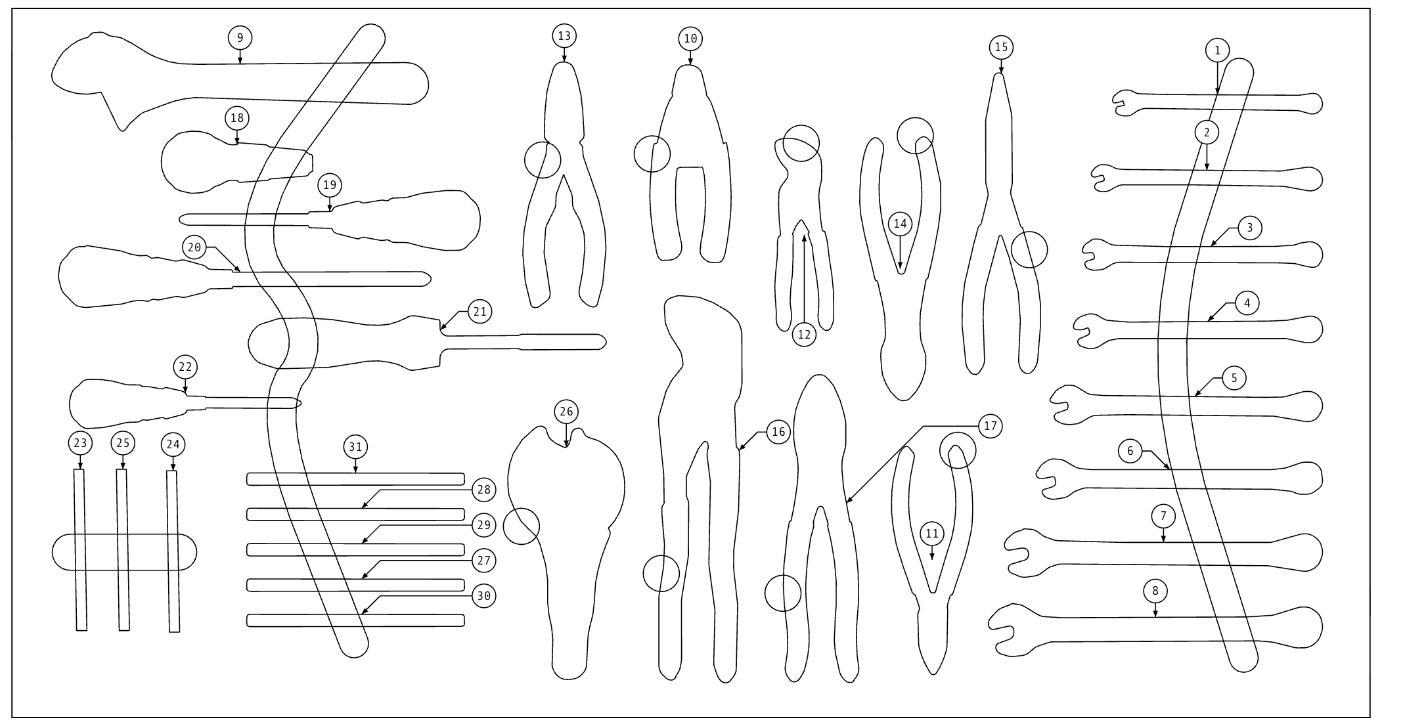
An ANSI-B title-block drawing with a bill of materials, balloon callouts, drawing number and a QR code back to the drawer. Tape it inside the lid.
Every setting here exists because a real tray came out wrong without it.
Your cutter removes material. Set the kerf once and every outline is offset so the tool drops in snug instead of swimming or jamming.
A router bit can't cut an inside corner sharper than its own radius. Shadow Forge fillets contours to your bit so the geometry is actually cuttable.
Drag outlines into a drawer at true scale, with live collision and clearance checks. Rotate, mirror and space tools until the fit is right.
Shoot straight from your phone's browser and the photo lands in your trace queue on the desktop. No cable, no app store, no transfer.
Trace a 10 mm combination wrench once and reuse it in every drawer, every toolbox, forever. Your library is yours.
Every trace, offset and mesh runs client-side in your browser. Your photos and outlines are yours — we don't need them on a server to do the work.
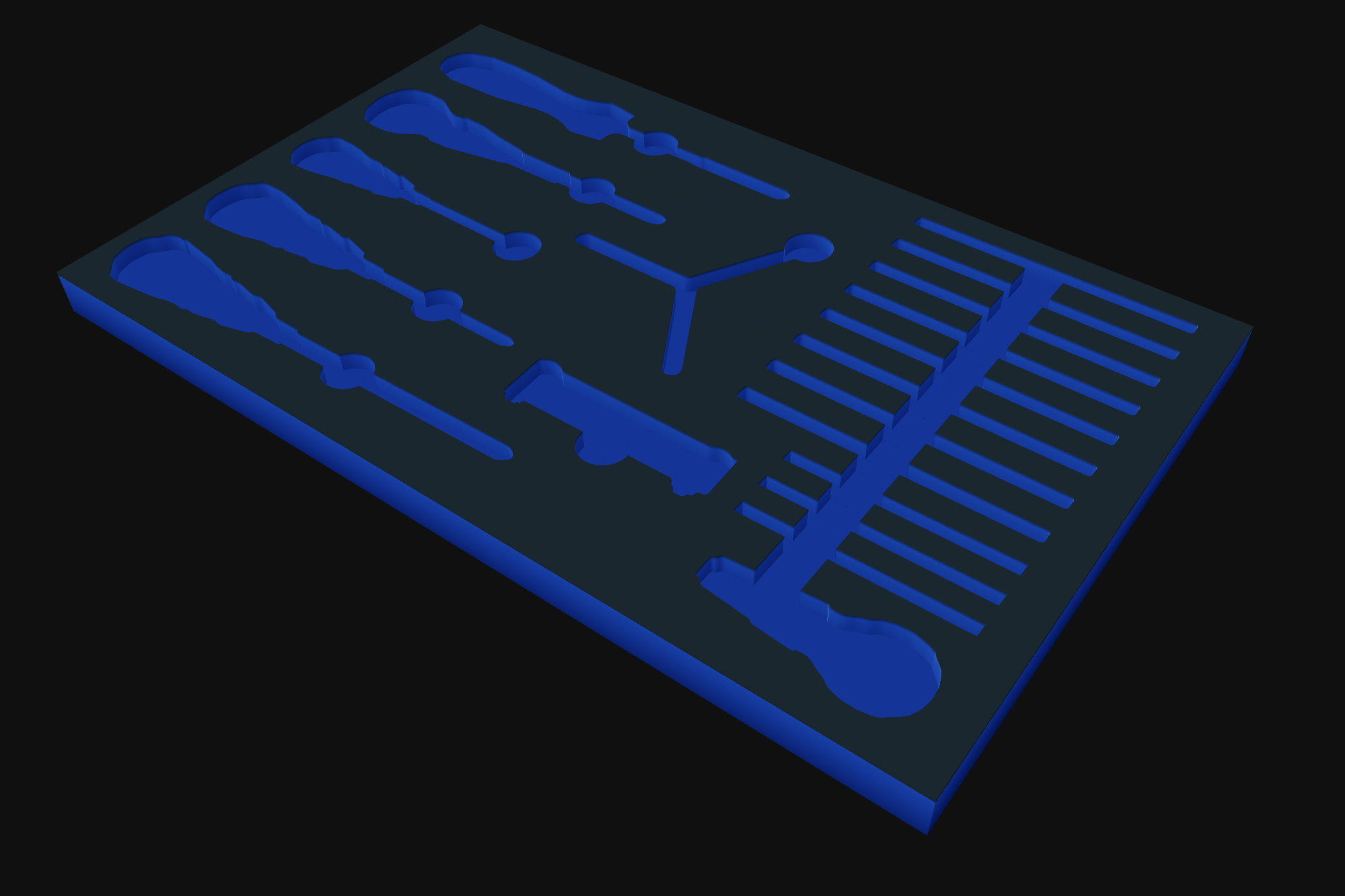
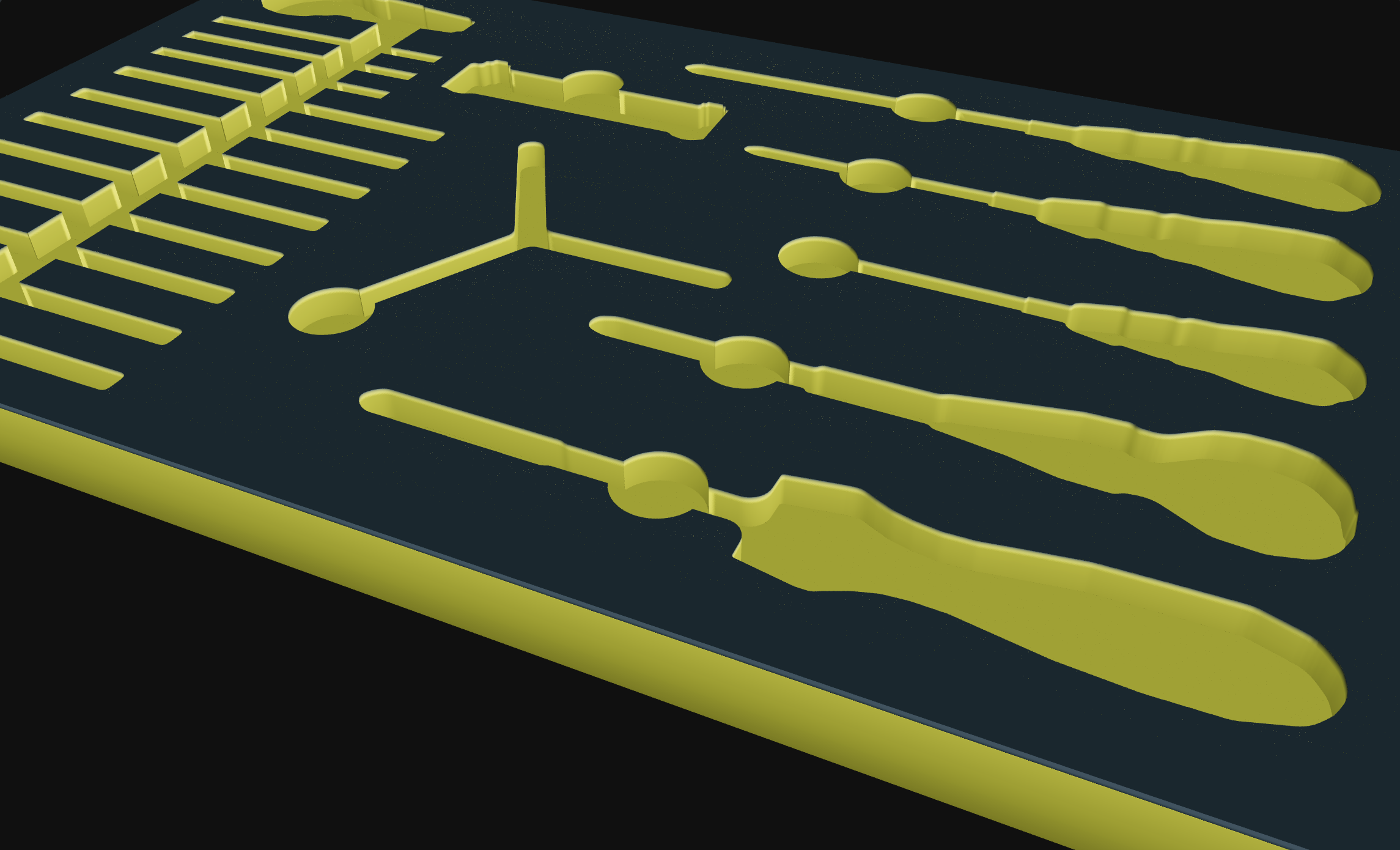
The same garage-box drawer, straight out of Shadow Forge.
4.9 average from 380 reviews.
We used to burn a full Saturday tracing tools onto cardboard and still get the fit wrong. I did four drawers in an afternoon and every pocket dropped in first try. The kerf setting alone paid for the year.
I cut foam commercially and the DXFs come in clean — closed polylines, proper fillets, no self-intersections. That is genuinely rare. It dropped straight into VCarve with zero cleanup.
The PDF with the BOM and balloon callouts is what sold my boss. Audits used to take an hour; now a tech glances at the drawer and knows instantly what's missing.
Built to support the tool-accountability requirements of aerospace and defense industry and regulators like EASA, CASA and FAA. Not just a tidy drawer: a documented, auditable inventory.
Every tool gets its own asset ID, not just a silhouette — each item is tracked individually, the way an audit expects.
Each drawer carries a documented list of exactly which tools belong in it — so a missing tool is obvious at a glance.
Export the drawer layout and its contents as a clean, printable document — file it, post it at the station, or hand it to an auditor.
Every plan starts with a free 7-day trial — trace, design and preview a drawing PDF, no card, no auto-charge.
or $5 / month — save $10 annually
or $10 / month — save $20 annually
Teams over 10, or Commercial use
Start free for 7 days — trace, design and preview a drawing PDF. No credit card, nothing to install.